Option : Intel RealSense D435
This page introduces how to assemble the Intel RealSense D435.
Intel RealSense is a series of depth perception cameras and modules designed to add 3D vision capabilities to a wide range of devices. These devices use various technologies such as stereo vision, structured light, and time-of-flight sensing to create a 3D map of the surrounding environment. This allows devices to understand the shape and position of objects in real time, enabling a range of new applications such as augmented reality, virtual reality, robotics, and more. Additionally, Intel RealSense cameras and modules are often used for facial recognition, hand tracking, and gesture recognition, allowing for intuitive and natural human-machine interaction.
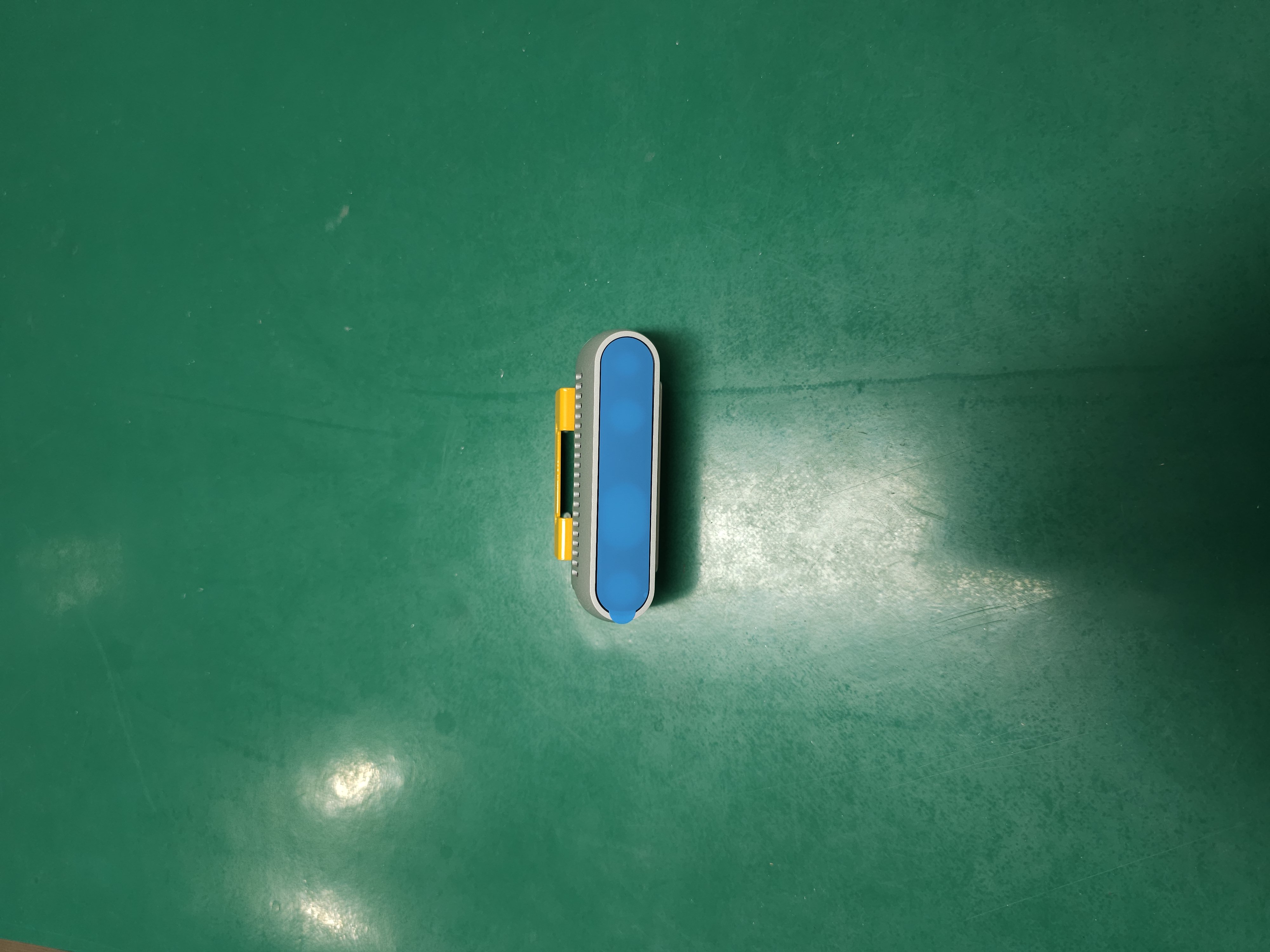
Place the RealSense bracket.

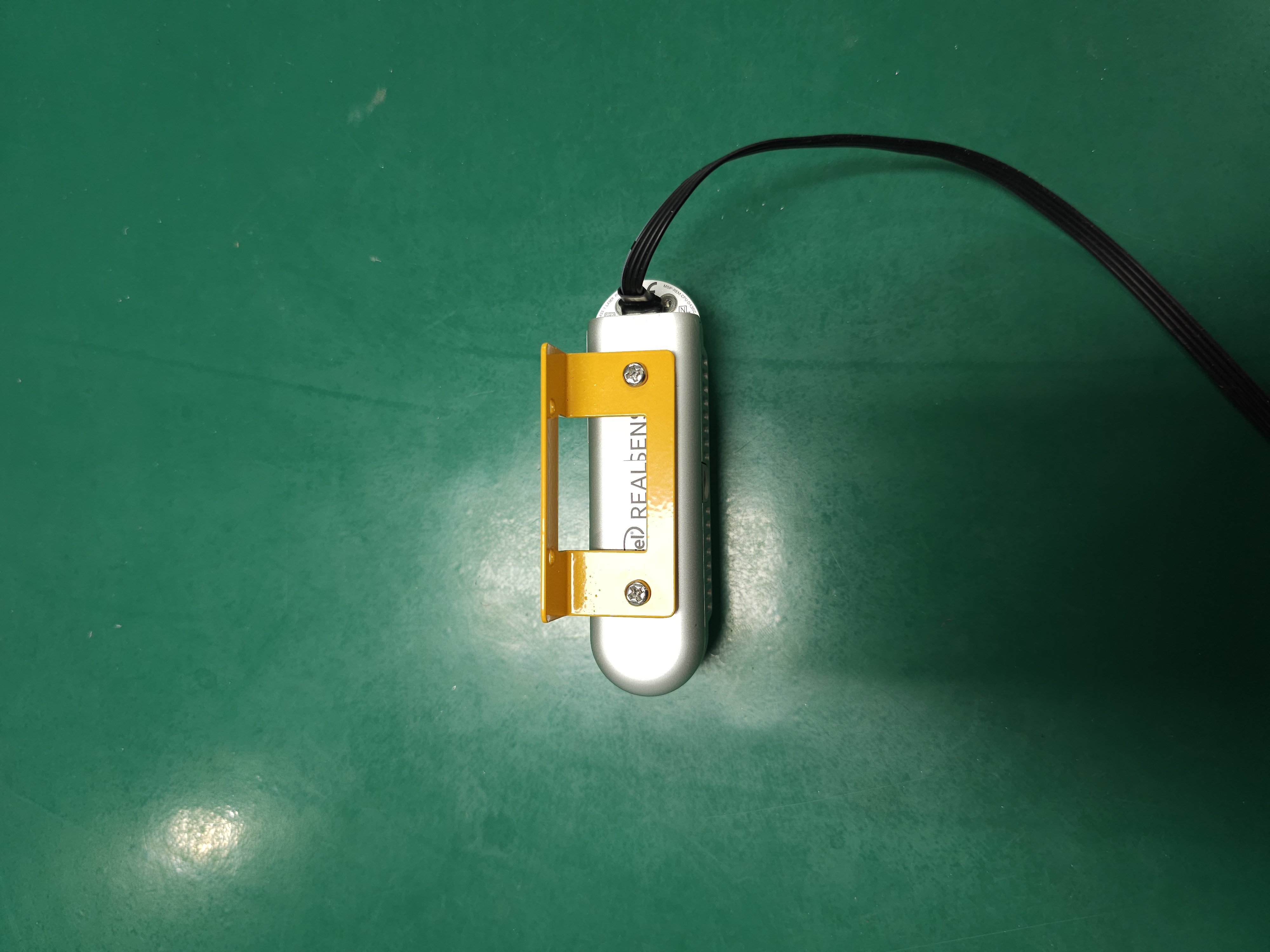
Loosely install the two nuts and bolts onto the RealSense bracket.

Install RealSense and tighten two nuts.
Plug in the usb cable.
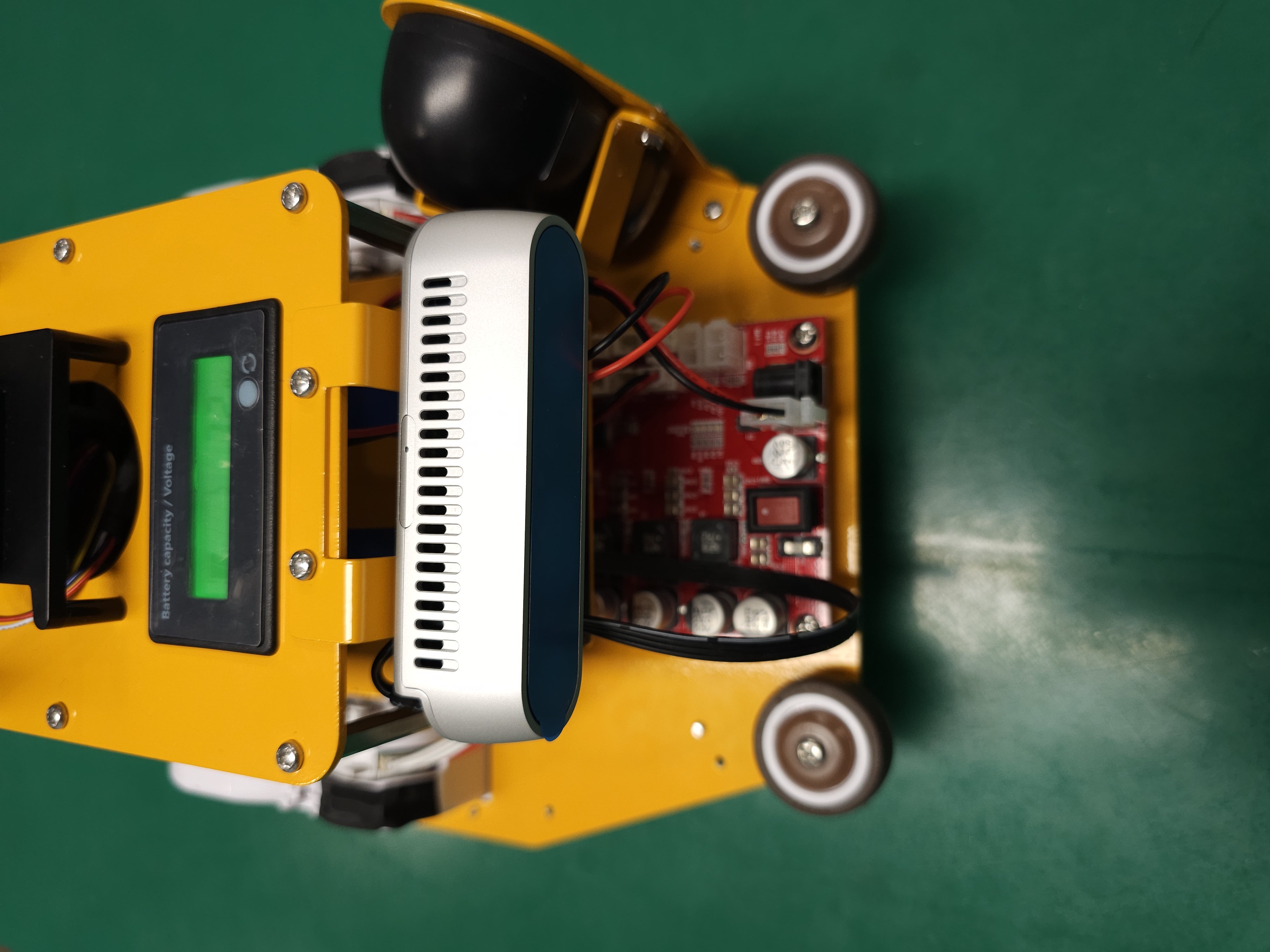
Install the RealSense module on the top plate.
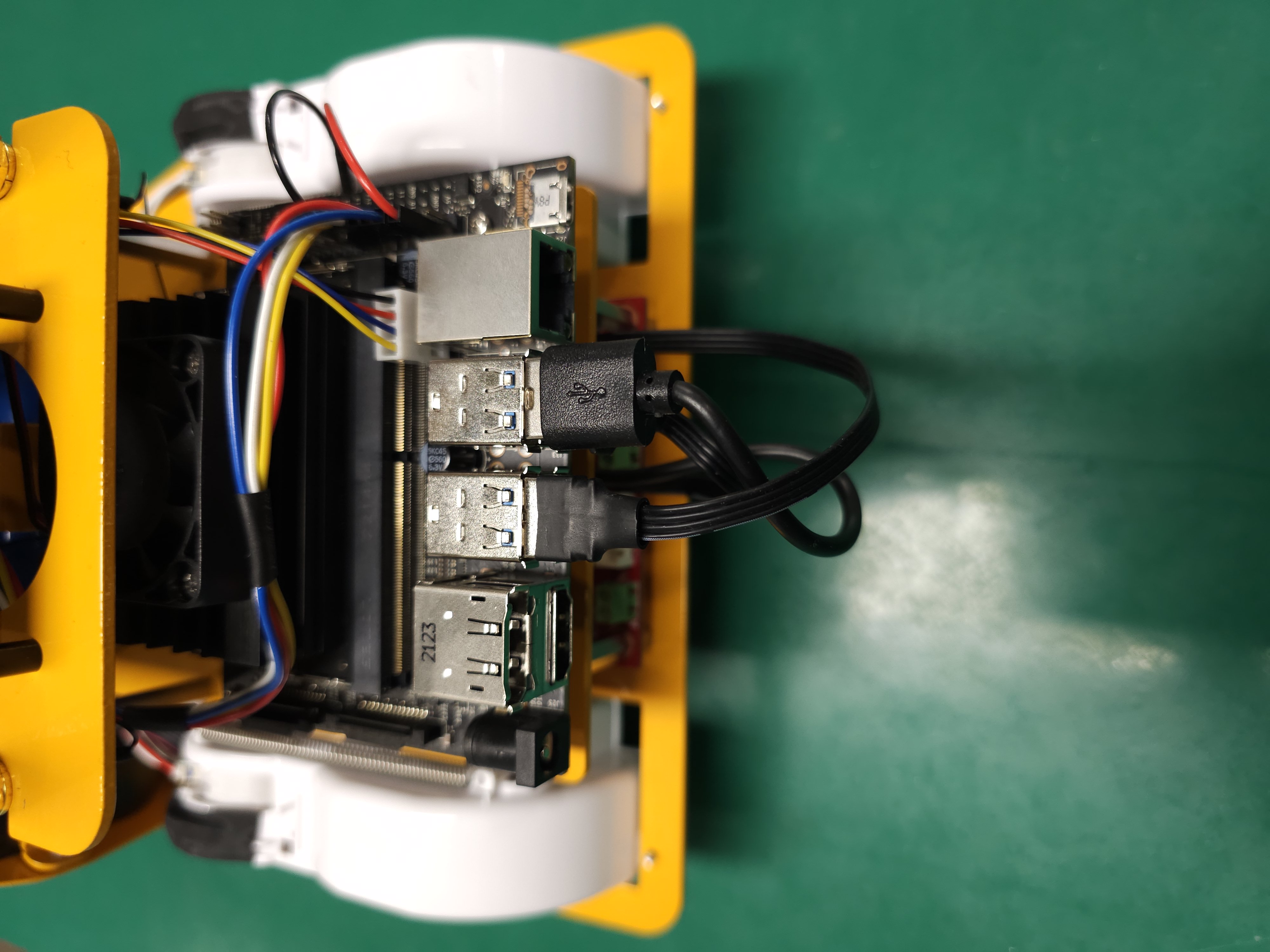
Plug the other end of the usb cable into the Jetson Nano.