Gripper Control
Follow along: Gripper Control Example
The program launching process along with parameter settings are all simplified and set up on the Jupyter Notebook Environment.
- Open the 05_08_grip.ipynb Jupyter Notebook
- Load Arm_Lib module and register the robot arm as an object
- Follow and Execute the example codes
(The Jetson Board used for these examples are => Jetson Nano)
05_08_grip.ipynb
- Running the cell codeCtrl + Enter
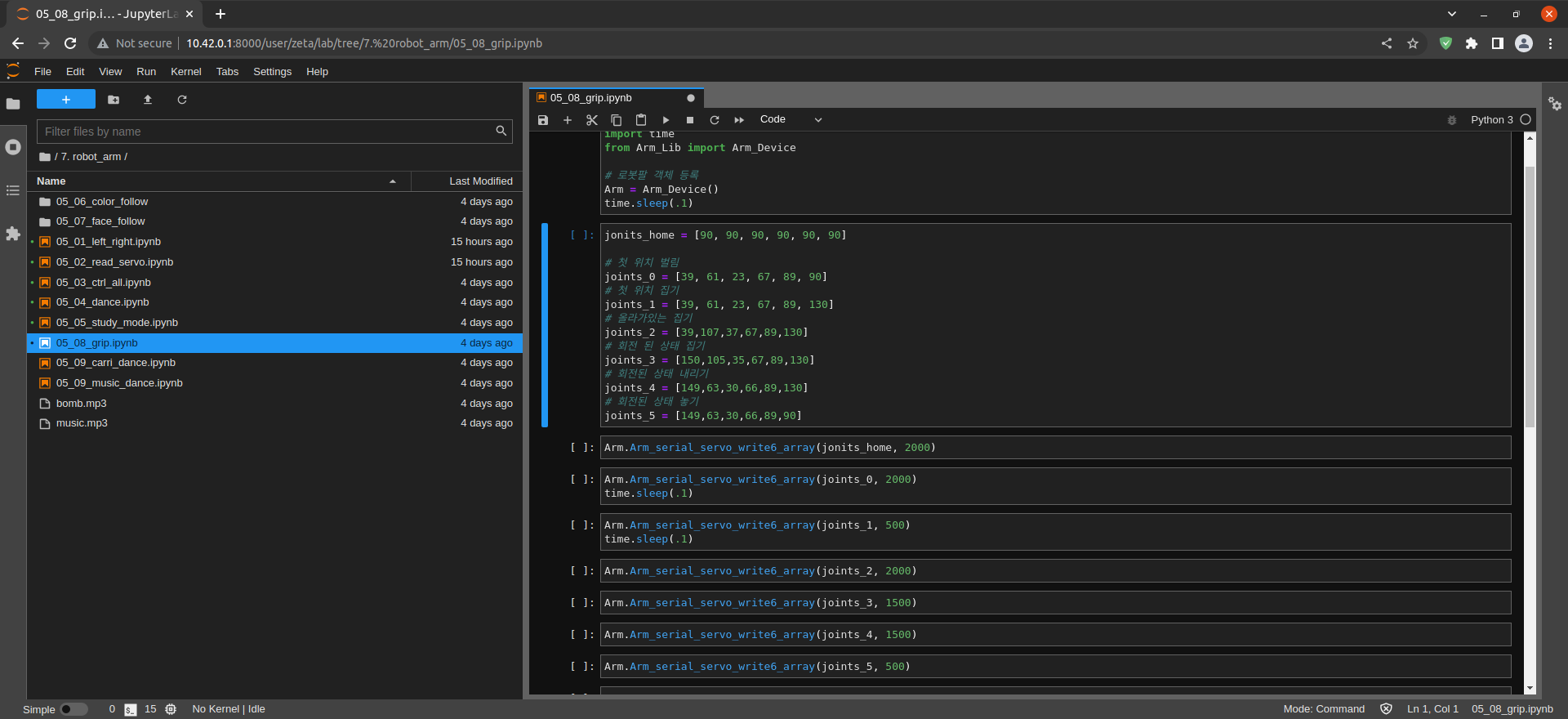
Load Arm_Lib module and register the robot arm as an object
#!/usr/bin/env python3
#coding=utf-8
import time
from Arm_Lib import Arm_Device

# register the robot arm as an object
Arm = Arm_Device()
time.sleep(.1)
list = [motor 1, motor 2, motor 3, motor 4, motor 5, motor 6]
jonits_home = [90, 90, 90, 90, 90, 90]

# Open first position
joints_0 = [39, 61, 23, 67, 89, 90]
# Close first position
joints_1 = [39, 61, 23, 67, 89, 130]
# Heighten first position
joints_2 = [39,107,37,67,89,130]
# Pick the rotated state
joints_3 = [150,105,35,67,89,130]
# lower the rotated state
joints_4 = [149,63,30,66,89,130]
# release the rotated state
joints_5 = [149,63,30,66,89,90]
Pick and Place through servo motor and gripper control
Arm.Arm_serial_servo_write6_array(jonits_home, 2000)
Arm_serial_servo_write6_array(list, time)
Arm_serial_servo_write6_array(list, 시간)
Arm.Arm_serial_servo_write6_array(joints_1, 500)
time.sleep(.1)
Arm.Arm_serial_servo_write6_array(joints_2, 2000)
Arm.Arm_serial_servo_write6_array(joints_3, 1500)
Arm.Arm_serial_servo_write6_array(joints_4, 1500)
Arm.Arm_serial_servo_write6_array(joints_5, 500)
Remove the robot arm object
del Arm # Release DOFBOT object